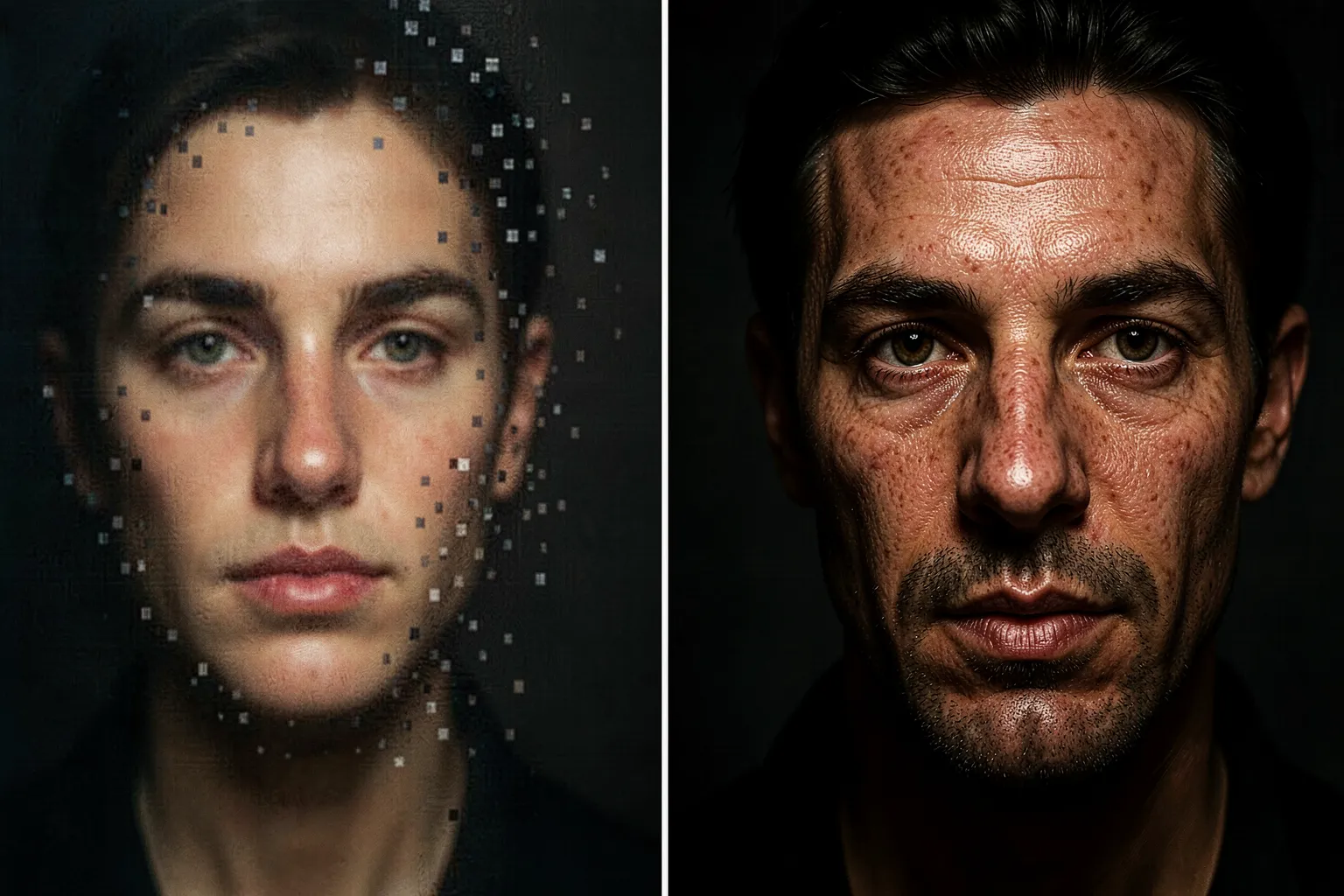
The dirty secret of most AI art is that the good version isn’t the one the model made. A diffusion model hands you 1024 pixels on a side, maybe 1536. That’s a thumbnail. Try to print it at A2 for a wall and the whole thing dissolves into mush — soft eyes, smeared brickwork, hair that turns to felt. The image that looks sharp on your phone falls apart the moment it gets big. Upscaling is where a lot of the actual craft happens, and almost nobody talks about it.
Here’s the part that surprises people new to the tools: modern upscaling doesn’t just enlarge. It reinvents. A good pass invents detail that was never in the original file — pores, thread, individual leaves — and the choices you make there change the picture as much as the prompt did.
Two kinds of bigger
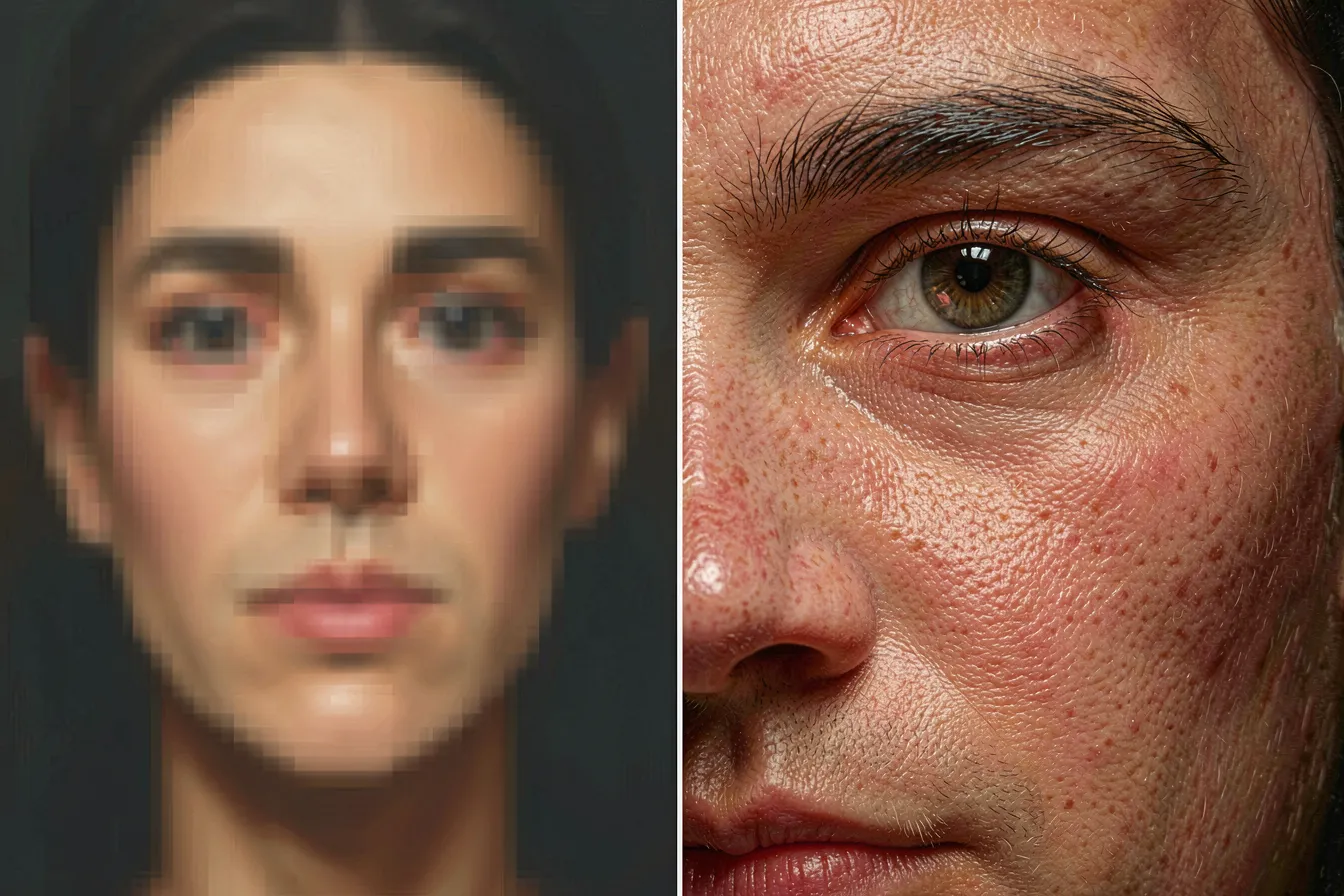
There are really two families of upscaler, and they do opposite things. The first is the classic neural upscaler: Real-ESRGAN, SwinIR, or one of the community ESRGAN models like 4x-UltraSharp and 4x-NMKD-Siax. Feed it your small image and it enlarges cleanly, sharpening edges and guessing at texture. It’s fast, it’s faithful, and it never adds anything that wasn’t implied. Great for a clean line, a logo, a flat illustration. On a portrait it can look plasticky — skin goes waxy because the model smooths what it can’t resolve.
The second family runs the enlarged image back through the diffusion model itself. This is where “tiled diffusion” and tools like Ultimate SD Upscale, and more recently SUPIR, live. You blow the picture up, cut it into overlapping tiles, and re-generate each tile at full resolution with a low denoise strength. The model paints real detail into every square — the way it would if it had drawn the thing large from the start. This is the technique that turns a soft AI face into something that survives a gallery print.
Denoise is the whole game
If you take one number away from this, make it denoise strength on the diffusion upscale. It runs 0 to 1, and it decides how much freedom the model has to repaint. Set it low — 0.15, 0.2 — and the model tightens what’s there: crisper edges, finer texture, same picture. Push it to 0.4 and it starts inventing. Fabric grows a weave that wasn’t there. A vague hand resolves into five real fingers, or six, if you’re unlucky. Go past 0.5 and the tiles drift away from each other and from the original; you get a sharp image of a slightly different painting.
The sweet spot for most work sits around 0.2 to 0.35, and finding it is a judgement call, not a setting you can copy. A photoreal portrait wants restraint. A loose painterly landscape can take more, because nobody’s counting the leaves. I’ve watched people wreck a beautiful generation by cranking denoise to “make it detailed” and ending up with a hallucinated mess that no longer matches the composition they fell in love with.
The tile seam problem
Cutting an image into tiles creates an obvious risk: the seams. Regenerate each square independently and the model has no idea what its neighbor is doing. You get a grid — a slightly different sky in each patch, a wall that changes color across an invisible line. Early tiled upscaling was full of this. The fix is overlap plus a controlling signal. Tiles share a margin so the model sees a strip of its neighbor, and ControlNet Tile feeds the low-res original in as a guide so every square stays anchored to the same picture. When it works you can’t find the seams. When it doesn’t, you get a portrait with two different noses meeting at the jaw.
This is why the same tool gives one person a flawless 6000-pixel print and another a patchwork. The defaults rarely hold across subjects. A dense cityscape needs tighter control than an open beach. Getting clean tiles is a skill, and it’s the difference between output that reads as amateur and output that reads as finished.
Upscaling as a creative decision, not a chore
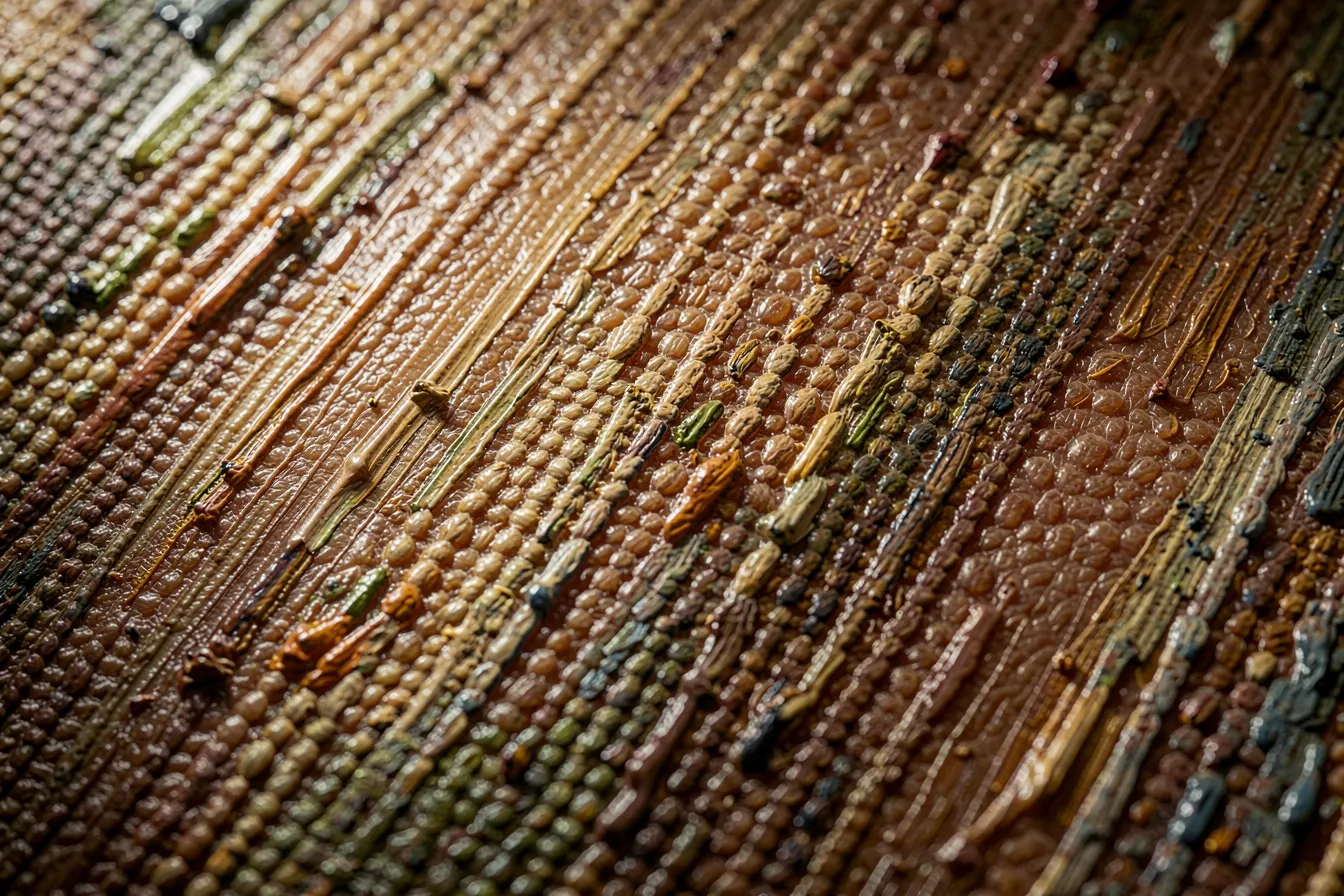
Treat the upscale as a second draft and it stops being cleanup. The choices are real ones. Pick a sharp ESRGAN model and you get crisp, illustrated edges. Pick SUPIR with a well-written prompt and you can steer the invented detail — tell it “weathered oil paint, visible brushwork” and the enlarged image grows brushstrokes; tell it “clean studio photograph” and the same file grows pores and specular highlights. The upscaler reads your words. Two artists starting from the identical small generation can walk away with two different finished pieces depending only on how they enlarged it.
Some artists now generate deliberately loose and small, knowing the upscale is where they’ll commit. A rough 768-pixel sketch, fast to iterate, then a careful diffusion upscale with a considered prompt to bring it home. It mirrors how a painter blocks in a canvas before the detail work. The small file is the composition; the upscale is the finish.
What it costs and where it breaks
None of this is free. Diffusion upscaling is heavy — a 4x tiled pass on a large image can take minutes on a good GPU and will happily eat all your VRAM. Tile size, overlap, and batch settings become a real negotiation with your hardware. The neural upscalers are cheap by comparison, which is why a common workflow chains them: a fast ESRGAN pass to get the pixels, then a low-denoise diffusion pass only where it matters. And the failure modes are specific and worth knowing before you print — over-sharpened halos around high-contrast edges, that waxy skin from a texture-poor model, and the melted seams when tiling loses the thread.
The through-line is simple. Generation gets you the idea. Upscaling gets you the object — the thing large enough and detailed enough to frame, to sell, to hang. It deserves the same attention as the prompt, because that’s where a promising image becomes a real one.
Want to take a generation all the way to something you’d print? Start building at ai-art-designer.com.
Images: AI-Designed
Dieser Beitrag ist auch verfügbar auf:
 English