Ask ten AI artists what fixed a muddy, washed-out render and most will name the prompt, the sampler, maybe the upscaler. Almost none say the VAE. That is the strange part. The VAE is the last thing that touches your image before you ever see it, and it has a bigger say over color and fine detail than its obscurity suggests. Swap it and a flat, grey portrait can snap into clean skin tones and crisp eyelashes without a single word of the prompt changing.
So it is worth knowing what this piece actually does, and why the default one sometimes lets you down.
The decoder you forgot you were using
Diffusion models like Stable Diffusion do not paint in pixels. They work in a compressed space called the latent, where a 1024-pixel image is squeezed down to a small grid of numbers. The denoising loop — all those steps you watch tick by — happens in that cramped space. It is fast precisely because it is small.
But a grid of latent numbers is not a picture. Something has to translate it back into the millions of red, green and blue values your screen needs. That translator is the VAE, short for variational autoencoder. One half of it, the encoder, shrinks real images down into latents during training. The other half, the decoder, blows latents back up into pixels. When you generate art, only the decoder runs, and it runs once, right at the end.
Here is the catch. That final expansion is lossy. The decoder is guessing how to reconstruct detail it compressed away. A weak decoder guesses badly: skin goes plasticky, deep shadows turn to mush, saturated reds bleed, and tiny features like teeth or distant windows dissolve into smear. None of that is the model’s fault. The latent held the information. The VAE fumbled it on the way out.
Why the baked-in one disappoints
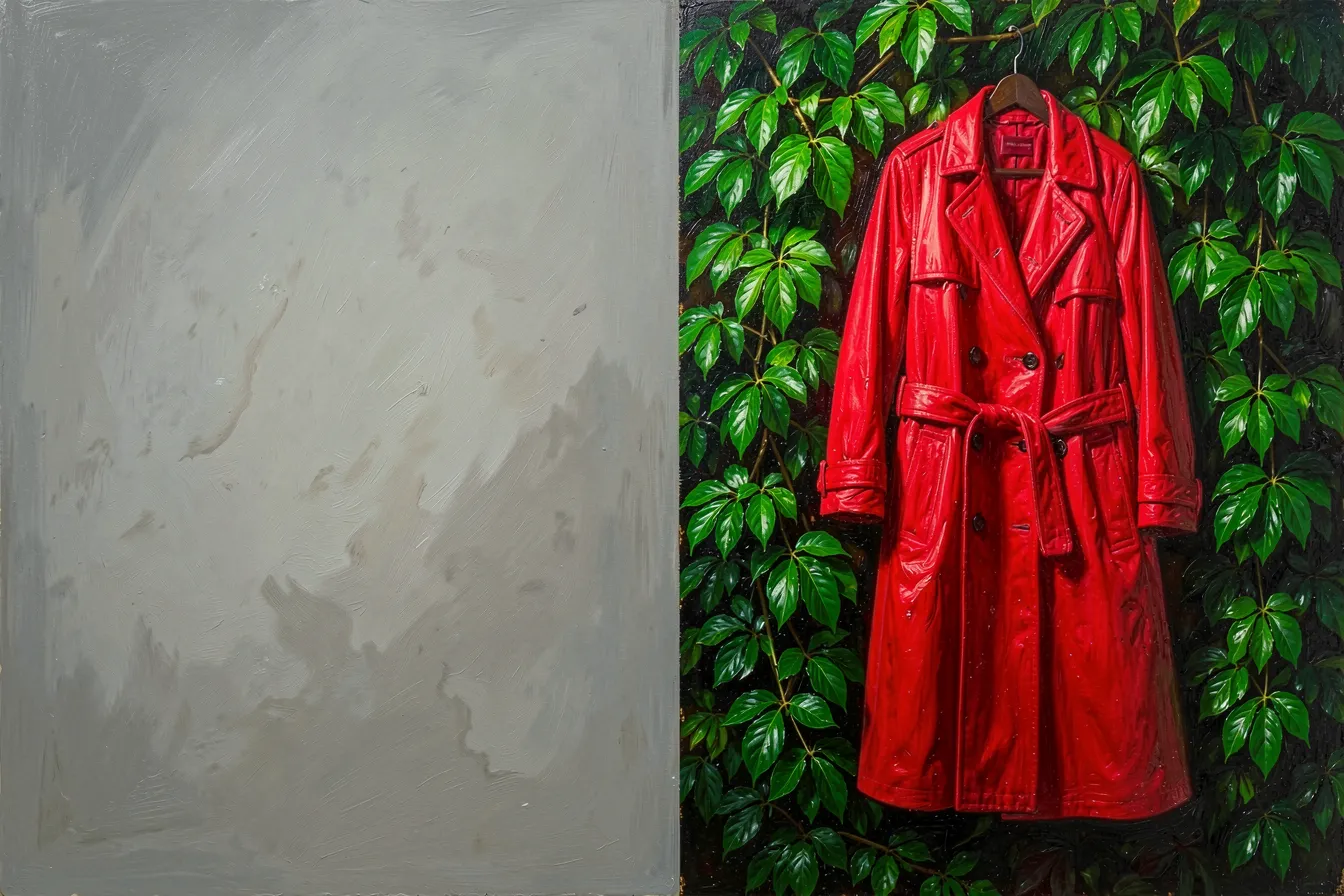
Every checkpoint ships with a VAE baked inside. Plenty of them are fine. Plenty are not, and a few are quietly broken — some older merged models carry a VAE that produces a dull haze over every output, the telltale sign being images that look like someone left a thin grey film on the lens.
The original Stable Diffusion 1.5 VAE is the classic example. It works, but it clips bright values and softens fine texture. Stability AI later released an improved replacement, the one everyone calls the “ema” VAE, trained longer and tuned to hold detail better. Drop it in over the default and the same seed, same prompt, same steps comes out sharper and more honest in its colors. Nothing else moved. The difference is entirely in that last decode.
SDXL told a similar story. Its launch VAE had a numerical quirk that forced people to run it in full 32-bit precision to avoid black or NaN-corrupted images. A patched “fp16-fixed” version followed, and it became the standard download because it let the decoder run in half precision without falling apart. If you have ever generated a perfectly good SDXL image that arrived as a solid black rectangle, you met that bug.
What a VAE can and cannot fix
Set expectations here, because the VAE gets blamed and credited for things it has no hand in. Composition, pose, subject, style — all of that is decided upstream, in the latent, by the model and your prompt. The decoder cannot add a finger that was never there or redraw a face. It only renders what the latent already describes.
What it genuinely controls is narrower and real:
- Color fidelity. Saturation, contrast, how cleanly bright and dark values hold without clipping or color casts.
- Fine texture. Pores, hair strands, fabric weave, foliage, the small high-frequency stuff that reads as “sharp.”
- Artifact suppression. A better VAE cuts the grey haze, the oily sheen, and the blotchy patches a weak one leaves behind.
That is a meaningful slice of the final look. It is not a magic wand.
Tiled decoding, the quiet workhorse
There is a second reason artists reach for VAE settings, and it has nothing to do with aesthetics. Memory. Decoding a large image in one pass is expensive, and on a modest graphics card the VAE step is often where you run out of memory — the generation finishes, then crashes on the final decode, which is maddening.
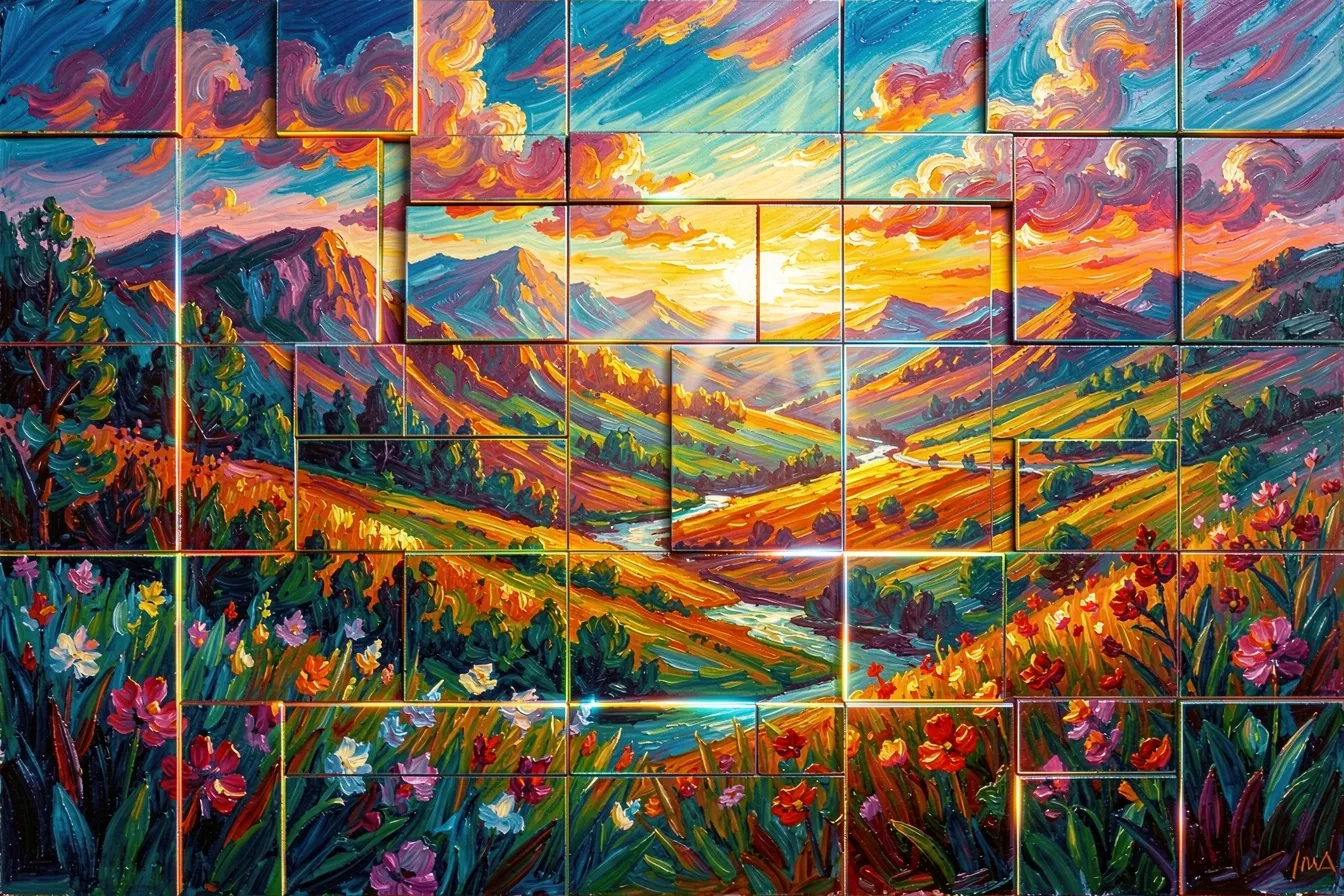
Tiled VAE decoding fixes that. It carves the latent into overlapping patches, decodes each one, and stitches them back together. The overlap hides the seams. Suddenly a card that choked on a 4K render handles it, at the cost of a little extra time. Most ComfyUI and Automatic1111 setups expose this as a one-click option, and for anyone making large prints it is close to essential.
How to actually test one
You do not need theory to pick a VAE. You need a control. Lock a seed, write a prompt with a face and some saturated color — a red coat against green foliage works well because it stresses both skin and bleed-prone channels — and generate it with your current VAE. Then swap in a candidate and run the exact same thing. Put the two side by side.
Look at three places. The eyes and teeth, for sharpness. The brightest highlight and the deepest shadow, for clipping and haze. Any large block of saturated color, for bleeding at the edges. If the swap wins on those, keep it. If it changes nothing you can see, the baked-in VAE was already doing its job, and you have saved yourself a download and a dependency.
One warning. VAEs are tied to model families. An SD 1.5 VAE on an SDXL checkpoint, or a Flux VAE on either, will not simply look worse — it will produce garbage, scrambled color and noise, because the latent layouts do not match. Match the VAE to the architecture every time.
The last mile is still part of the art
It is easy to treat generation as finished the moment the denoising bar fills. It is not. There is one more translation, and it is the one standing between your latent and your eyes. Artists who ignore it ship flatter, hazier work than their models are capable of, and never know why. Artists who learn it get cleaner color and sharper detail for the price of a dropdown.
Small lever, visible result. That is most of craft in generative art — knowing which quiet setting is secretly doing half the work. Want a tool where these choices are already dialed in so you can focus on the image? Try it at ai-art-designer.com.
Images: AI-Designed
Dieser Beitrag ist auch verfügbar auf:
 English