Most AI images have edges. You generate a picture, it stops at the frame, and that’s that. But a huge slice of design work doesn’t want a picture — it wants a pattern. Wallpaper that climbs a wall without a visible break. A fabric print that runs down a bolt of cloth. A stone-wall texture wrapped around a 3D model in a game. For any of that, the frame is the enemy. The right edge has to meet the left edge cleanly, the top has to meet the bottom, and you should never be able to spot where one copy ends and the next begins.
That’s the seam problem, and it’s older than AI. Textile designers and game artists have fought it by hand for decades, nudging pixels in Photoshop until a tile loops. What’s new is that a diffusion model can be told to produce a loop from the start — not fix one after the fact, but generate art that already wraps.
What “seamless” actually asks of the model
A tileable image has one strict rule: lay copies of it side by side and up and down, and the grid reads as one continuous surface. No bright line where tiles meet. No repeated blob that your eye immediately latches onto. The math is simple to state — pixel columns on the far right must blend into the columns on the far left — and genuinely hard to satisfy, because a normal image generator has no reason to care what happens at its borders.
Think about how a model builds an image. It works on a grid, and every patch looks at its neighbours to decide what to paint. A patch in the middle of the canvas has neighbours on all sides. A patch at the right edge doesn’t — there’s nothing past the border, so the model guesses, and the guess rarely lines up with whatever it painted on the left. That mismatch is your seam.
The trick: make the canvas wrap around
The fix is almost sneaky. Inside the model, the operation that lets each patch peek at its neighbours uses padding to handle the edges — extra space tacked on so the border patches have something to look at. Normally that padding is blank or a mirror of the edge. For tiling, you swap it for circular padding: the right edge borrows its neighbours from the left, the bottom borrows from the top. The canvas stops being a flat sheet and becomes a loop, like the surface of a doughnut where you can walk off one side and reappear on the other.
Do that at every step of generation and the model never sees an edge at all. It paints a river that flows off the right and back in on the left because, as far as the math knows, those are the same place. In most Stable Diffusion tools this is a single checkbox — “Tiling” in AUTOMATIC1111, a node flag in ComfyUI, a circular-padding switch in the Diffusers library. One click rewires the convolutions and every image you make comes out loopable.
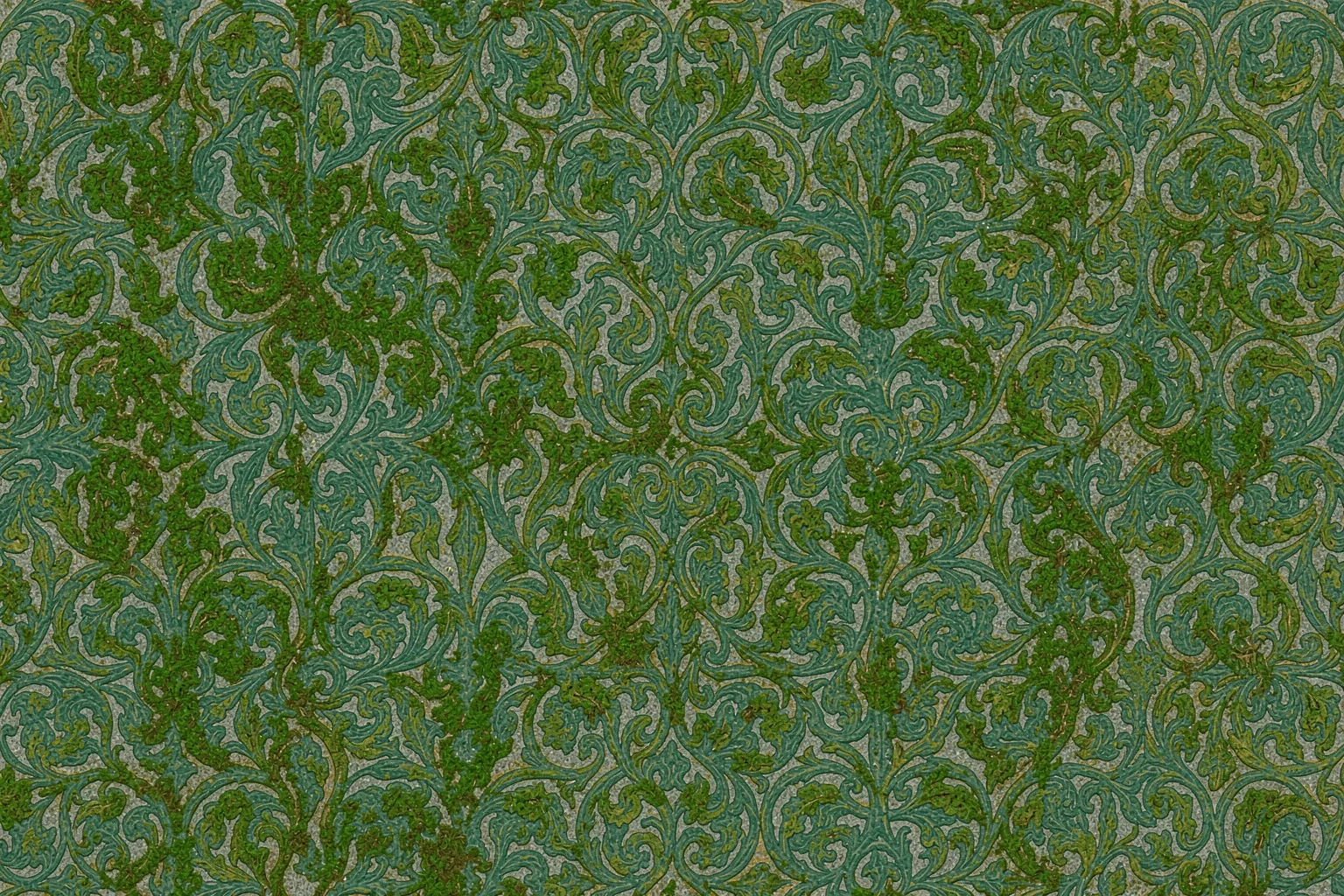
The result is worth the triviality of the switch. Turn it on and ask for “weathered green moss on grey stone,” and you get a square that repeats into an unbroken rock face as large as you want. Turn it off and the same prompt gives you a lovely rock that shows a hard grid the moment you tile it.
Where this quietly runs the world
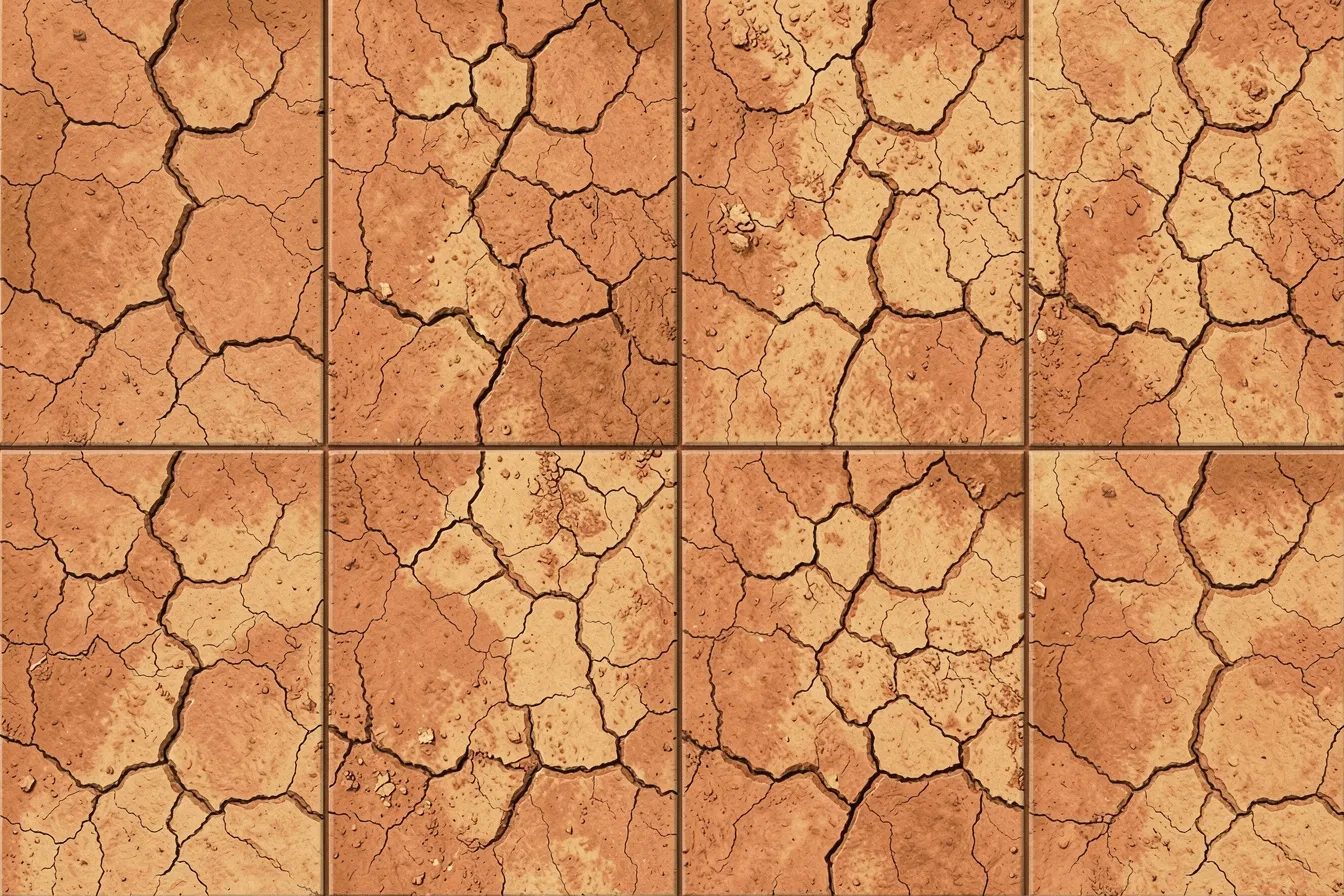
Seamless textures are the unglamorous backbone of 3D. Every surface in a game — brick, grass, rusted metal, tree bark — is usually one small tiling image stretched across geometry and repeated thousands of times. Artists used to spend hours authoring each one. Now a technical artist can prompt a dozen variations of “cracked desert clay, top-down, even lighting” in an afternoon, each one guaranteed to loop, and drop them straight onto a terrain.
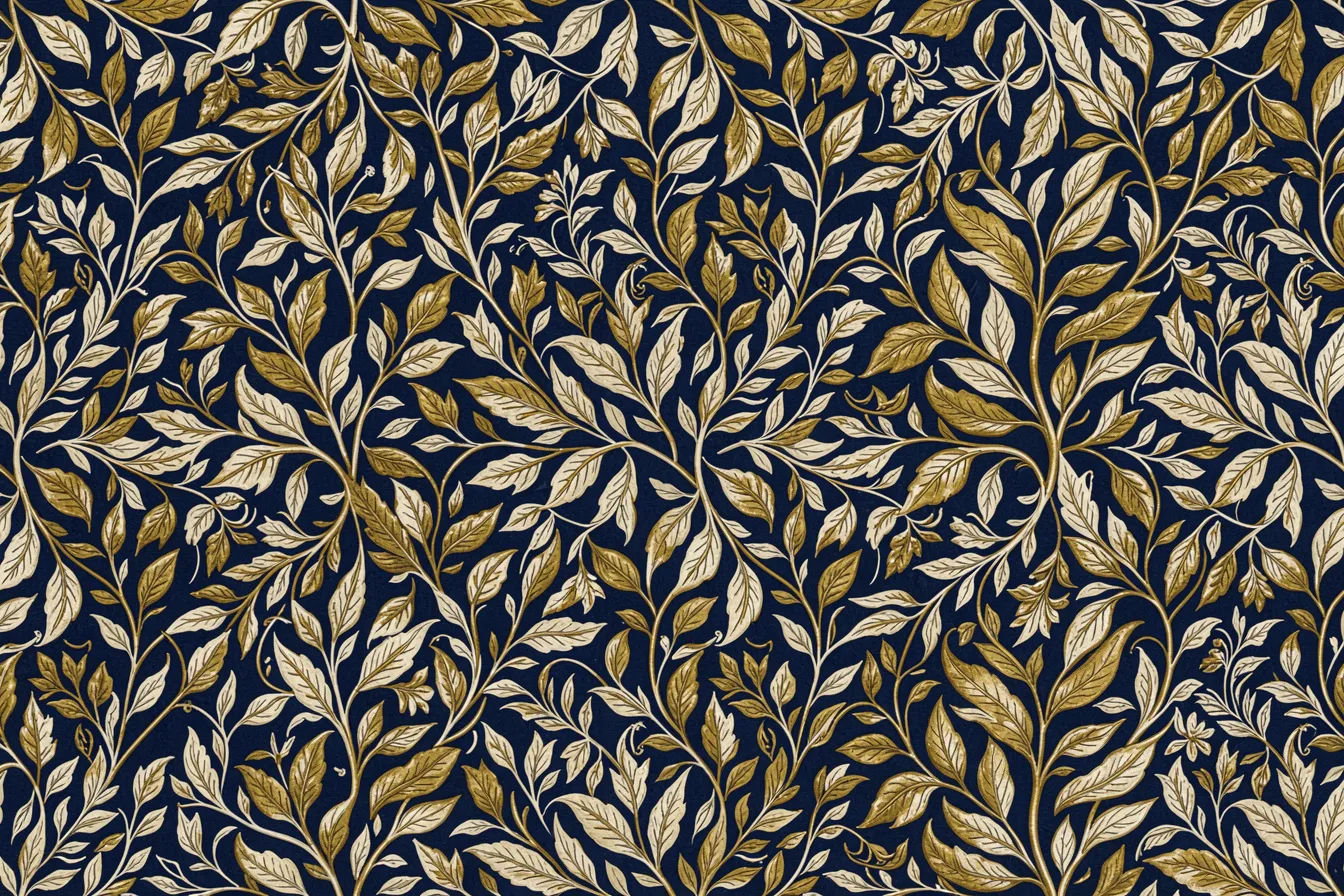
Surface and product design lean on it just as hard. Someone designing gift wrap, upholstery, phone cases, or tile for an actual floor needs a repeat unit, not a one-off picture. A print studio can generate a motif — say, a tight William Morris–style tangle of leaves — confirm it tiles, and hand a factory a file that prints across hundreds of metres without a jump. The AI did the drawing; the circular padding did the hard part of making it join up.
The catch worth knowing
Tiling isn’t free of taste. A pattern can loop perfectly and still look bad, because perfect repetition is itself a tell. Our eyes are ruthless at catching a distinctive element — one oddly bright flower, a knot in the wood, a cloud with a memorable shape — and once we’ve clocked it, we see it march across the whole surface in a grid. The loop is invisible; the motif isn’t.
Good texture work fights that with density and evenness. Prompts that keep the detail small and uniform — “fine,” “even,” “all-over,” “no focal point” — tile far better than prompts that invite a hero element. Smart artists also break the lattice afterward, scattering a few hand-placed variations so the repeat doesn’t read as a stamp. And resolution matters: a tile generated too small shows softness when it’s blown up to cover a wall, so people often generate at a higher size, or run a second pass to sharpen the detail, before committing.
There’s also a subtler limit. Circular padding makes the edges meet, but it doesn’t force the content to make sense as a loop. Ask for a single large object — one face, one building — and a tiling pass just smears it awkwardly across the seam. The technique wants fields, not subjects: foliage, stone, water, textiles, abstract noise. Give it a surface and it shines. Give it a portrait and it has nothing to wrap.
A small switch, a real shift
What makes tiling a good lens on AI art is how little it changes and how much it unlocks. There’s no new model, no fancy prompt, no training run — just a different rule at the border, flipped with one checkbox. Yet it moves the output from “a picture of a texture” to “a texture you can actually use,” which is the line between a nice render and a production asset. For anyone making patterns, surfaces, or game worlds, that one quiet switch is the difference between art you look at and art you can build with.
Want to try pattern work, textures, or any other AI art technique for your own projects? Explore what’s possible at ai-art-designer.com.
Images: AI-Designed
Dieser Beitrag ist auch verfügbar auf:
 English