Most people treat a prompt as a single instruction: type it, hit generate, hope for the best. Artists who have logged real hours with diffusion models know better. A prompt isn’t a fixed command the model reads once. It’s a schedule the model consults at every step of the denoise — and if you change what it reads partway through, the image changes with it.
That’s the idea behind prompt scheduling, sometimes called prompt editing. The syntax looks cryptic the first time you see it: [oak:ash:0.4], or [cat|dog]. But it unlocks a kind of control that weights and seeds can’t touch. You’re not asking for more or less of something. You’re telling the model when to care about it.
Why timing changes everything
A diffusion model builds an image in stages. Early steps rough out the big shapes — the silhouette, the composition, where the mass sits. Later steps fill in texture, edges, the fine grain. By the final steps, the structure is locked; the model is just polishing.
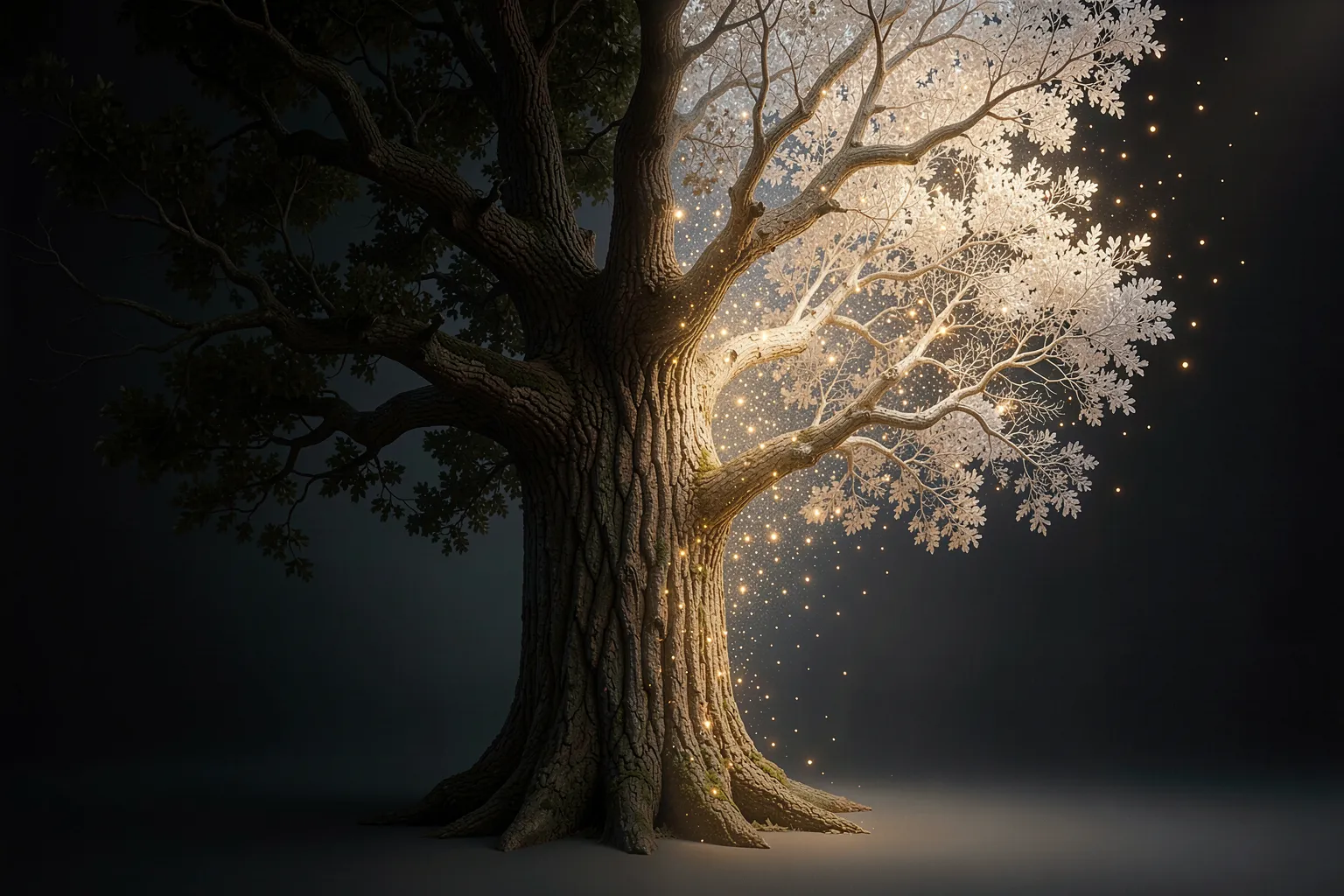
Prompt scheduling exploits that timeline. The number in [oak:ash:0.4] is a fraction of the total steps. Before 40% of the way through, the model reads “oak.” After that, it reads “ash.” So the tree gets its trunk and canopy from one species and its bark and leaf detail from another. You end up with a hybrid that neither word alone would produce.
Push the switch point late — say [oak:ash:0.8] — and the ash barely registers; you get an oak with a faint second character. Push it early, to 0.15, and ash wins the structure while oak leaves a ghost in the texture. Same two words, wildly different results, all decided by one decimal.
The three moves worth knowing
Prompt scheduling comes down to a handful of patterns. Learn these and you cover most of what artists actually use.
- Swap —
[A:B:step]. Start with A, switch to B at the given fraction. The workhorse. Use it to morph one subject into another, or to set up a composition with a generic word and refine it with a specific one. - Introduce —
[A:step]with nothing before the colon. A doesn’t exist until the switch point. Good for adding a detail — rain, fog, gold leaf — only after the base image has committed to its structure, so the detail decorates rather than dominates. - Remove —
[A::step], with the second slot empty. A shapes the early steps, then vanishes. Useful when a word you need for composition would otherwise bully the final look. Let “cathedral” build the arches, then drop it so the arches read as something stranger. - Alternate —
[A|B]. The model flips between A and B on every single step. This is the fusion move.[tiger|zebra]doesn’t give you a tiger next to a zebra; it gives you one animal wearing both, stripes fighting for the same coat.
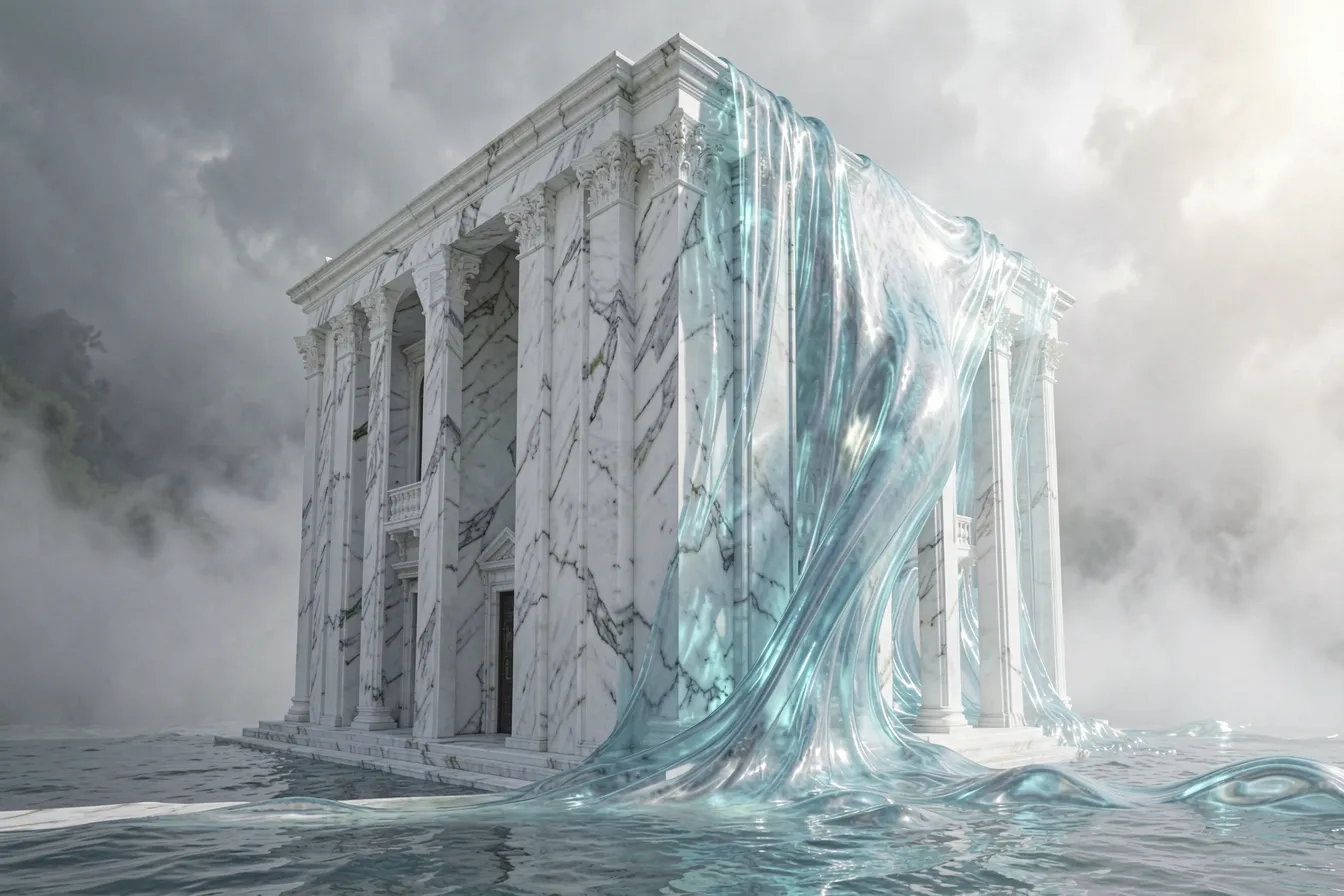
The alternating syntax is the wild one. Because the swap happens every step rather than once, neither word ever settles, and the model negotiates a compromise across the whole image. Artists use it to invent creatures, blend materials — [marble|water] — or fuse two architectural styles into a single impossible building.
Where it beats the alternatives
You could ask: why not just weight the words? Write (oak:0.6) (ash:0.4) and let the model average them? Try it and you’ll see the difference immediately. Weighting blends the two concepts across space — the model smears oak-ness and ash-ness over the whole frame at once, usually landing on a muddy middle. Scheduling blends them across time, so each word owns a clean phase of the build. The result is sharper, because the model never has to serve two masters in the same step.
Scheduling also solves a problem every prompt writer hits: the dominant word. Some tokens — “neon,” “baroque,” “explosion” — are so strong they hijack an image the moment they appear. Schedule them to enter late, after the composition is set, and they behave. You get the baroque detailing on a structure you actually designed, instead of a baroque explosion swallowing your intent.
How to actually dial it in
The honest workflow is less elegant than the theory. Nobody nails the switch point on the first try. Here’s the practical loop:
- Lock your seed first. Prompt scheduling only makes sense if everything else holds still. Fix the seed so each change you make is the only variable.
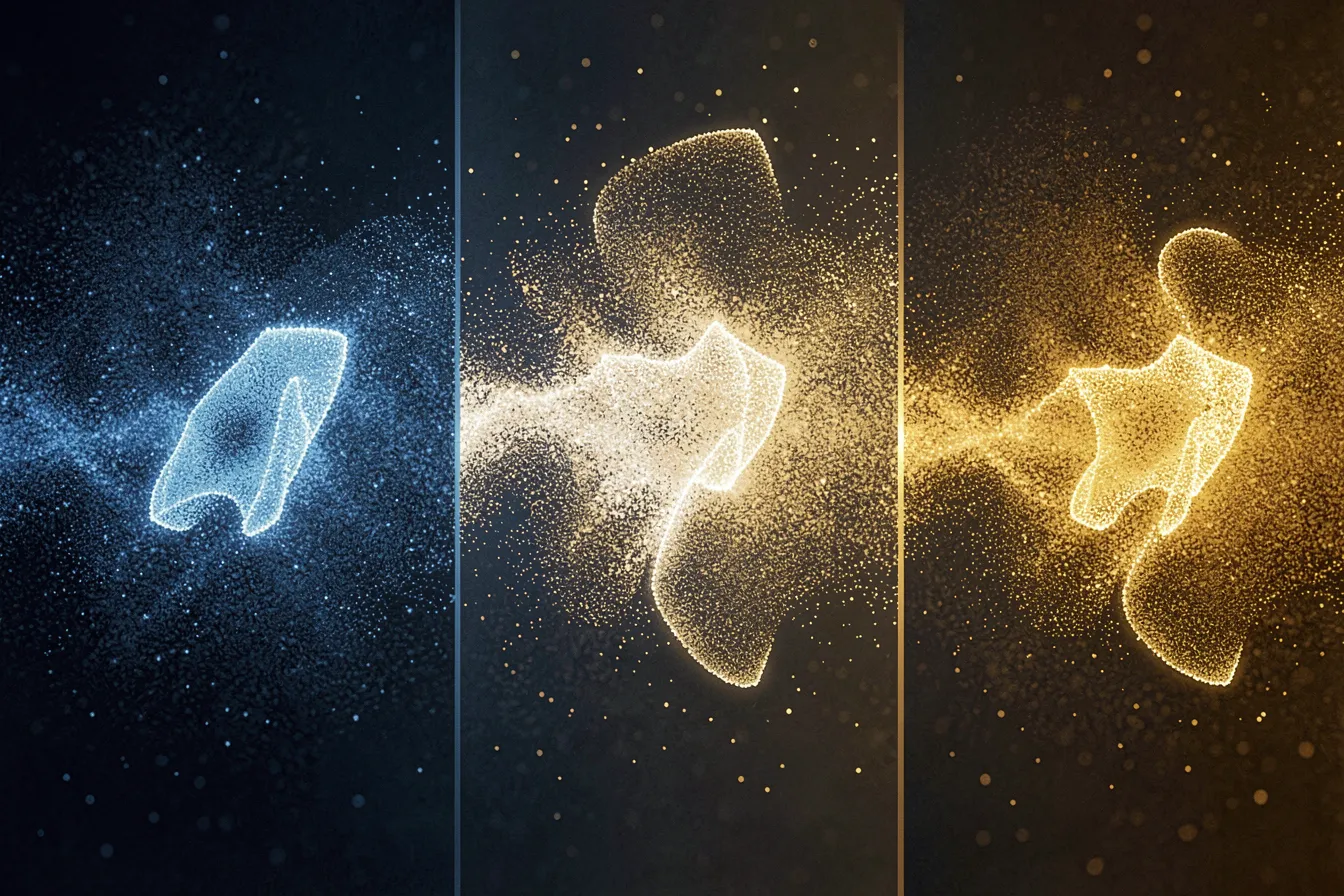
- Bracket the fraction. Render the same prompt at 0.2, 0.5, and 0.8. Those three images tell you whether structure or detail is doing the work, and which direction to nudge.
- Chain more than one. You can schedule several words in one prompt:
[sketch:painting:0.3]for the medium,[dawn:dusk:0.6]for the light. They run on independent timelines. This is where the technique stops being a trick and becomes composition. - Watch the step count. A fraction of 0.4 means something different at 20 steps than at 50. If you change your sampler step count, your switch points move too. Re-check them.
One caution worth stating plainly: scheduling can produce seams. Switch too hard, too late, and you’ll see a visible break where the model changed its mind — a tree that’s half one thing and half another with an ugly join. The fix is usually an earlier switch or a lower guidance scale, giving the model room to reconcile the two halves.
A real instrument, not a party trick
What makes prompt scheduling matter is that it turns generation into something closer to direction. You’re not writing a wish and accepting the output. You’re staging the build — deciding what the model thinks about first, what it adds last, and what it forgets along the way. That’s a timeline, and a timeline is something an artist can compose.
The syntax will look alien until you’ve broken a dozen images with it. Then it clicks, and the single-prompt approach starts to feel like painting with your eyes closed. Want to try scheduling your own prompts and see where the switch points take an image? Explore the tools and techniques at ai-art-designer.com.
Images: AI-Designed
Dieser Beitrag ist auch verfügbar auf:
 English