
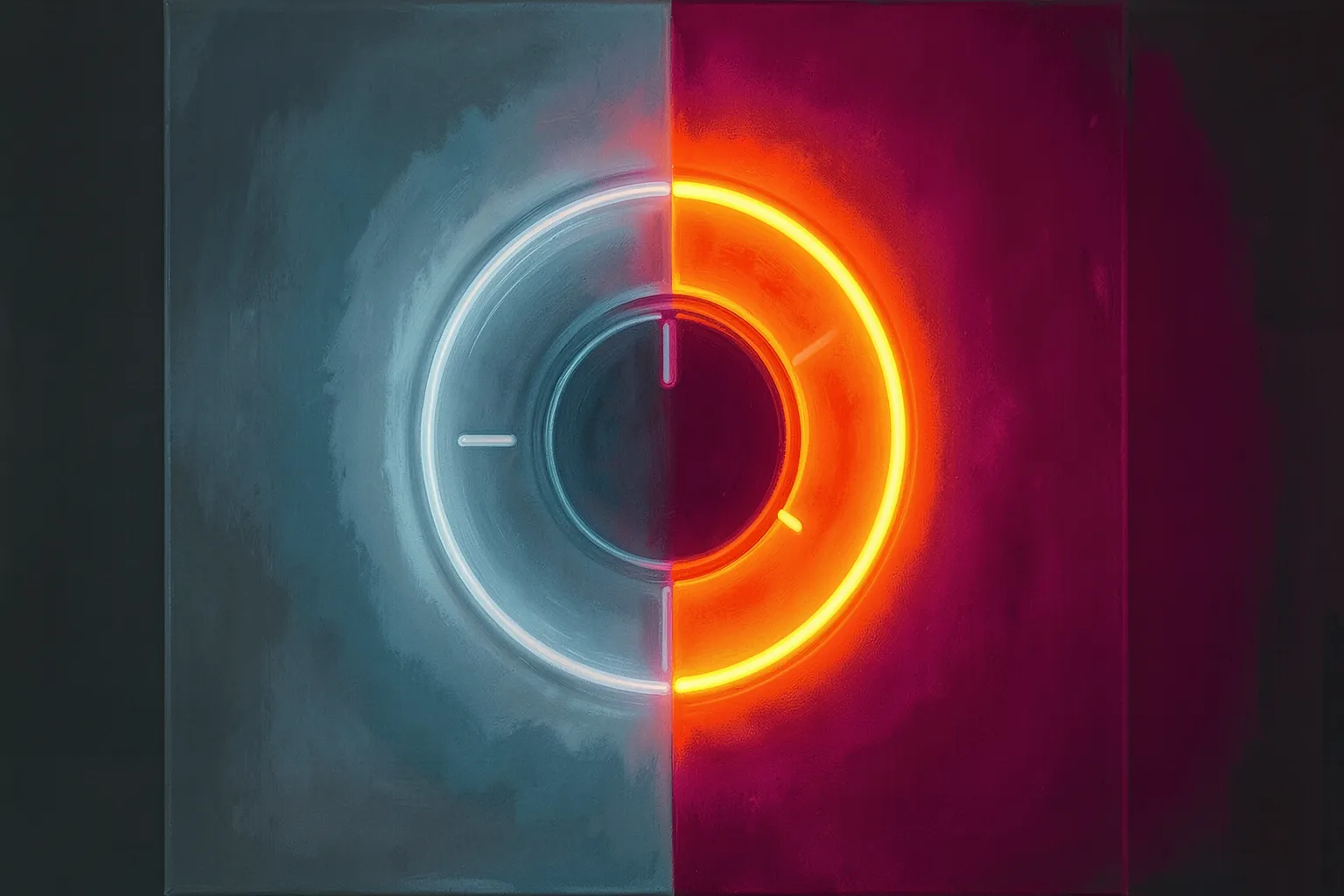
Every text-to-image model hides a single slider that decides how much it listens to you. Push it high and the machine clings to your words like a nervous intern. Pull it low and it wanders off, painting what it feels like. That slider is the guidance scale — CFG, short for classifier-free guidance — and most people treat it as a number to leave alone. That’s a mistake. It’s one of the few controls that changes the character of an image, not just its content.
Learn to move it on purpose and you stop fighting the model. You start collaborating with it.
What the number actually does
During each denoising step, the model makes two guesses: one shaped by your prompt, one with the prompt ignored. Guidance scale is the weight it puts on the difference between them. At CFG 1, the prompt barely counts — you get the model’s raw instinct. Crank it to 15 and the model exaggerates every direction your words imply, over and over, step after step.
Think of it as how loudly you’re shouting the instructions. Whisper and the painter improvises. Shout and they follow the brief so literally the result turns stiff, oversaturated, and brittle. Somewhere in between is the range where the thing feels alive.
For the older Stable Diffusion 1.5 and SDXL models, that range usually sits around 5 to 8. SDXL likes a touch lower than people expect — 6 or 7 does fine. Go past 12 and colors blow out, edges crisp into plastic, faces start to look fried. The signature failure is unmistakable once you’ve seen it: a sunset that glows like a radioactive traffic cone.
The flare you can read on sight
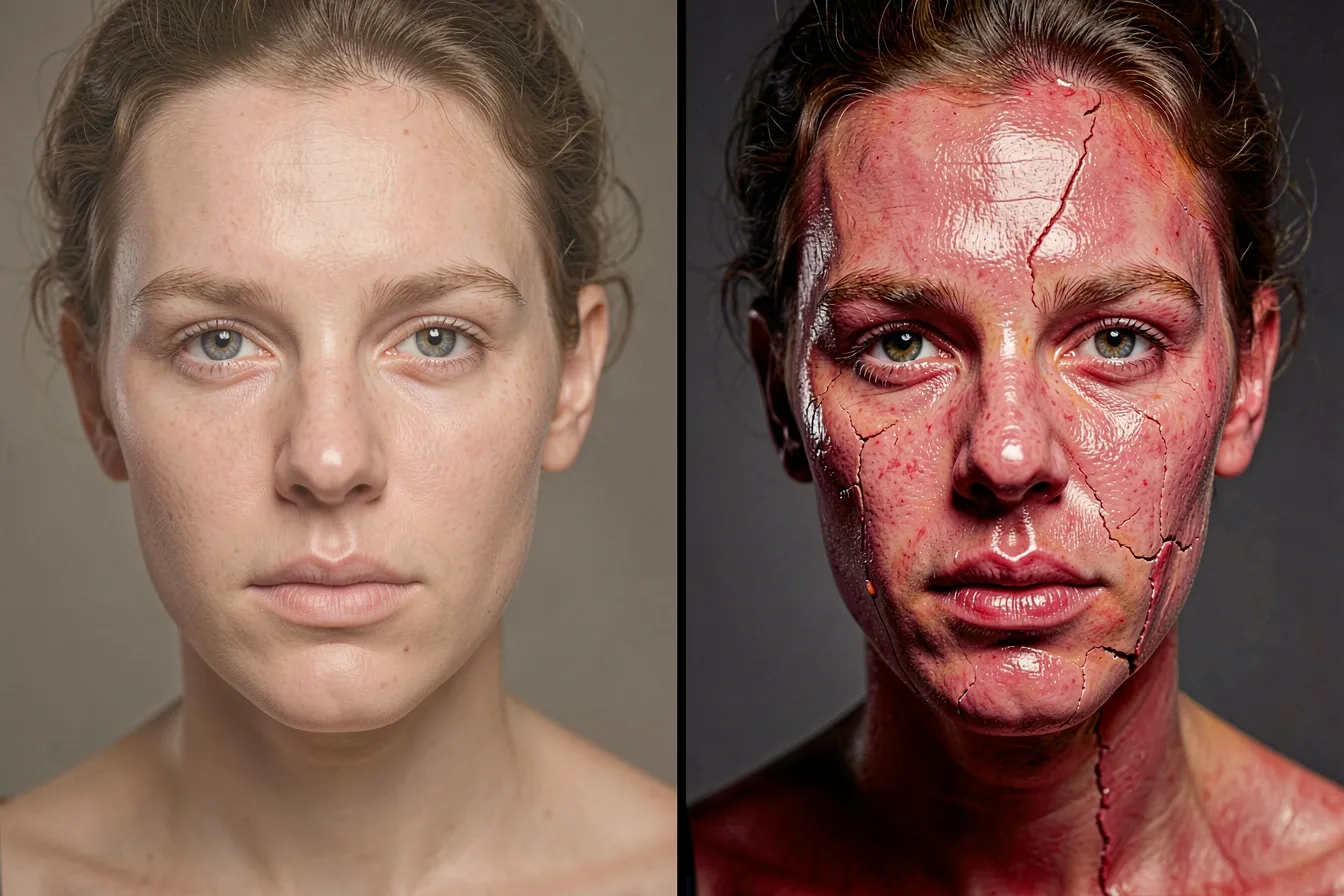
High CFG has a look. Skin goes waxy. Contrast climbs until shadows crush to black and highlights clip to white. Fine textures — hair, fabric, foliage — turn crunchy, almost halftoned. Artists call it “the CFG burn,” and it’s the single most common reason a promising generation falls apart at the finish.
The fix isn’t always to lower the number. Sometimes you want that heat — a poster, a bold graphic, a deliberately synthetic pop-art frame can absolutely use CFG 11. The point is choosing it. Burn on purpose reads as style. Burn by accident reads as a mistake.
Low CFG has its own fingerprint too. Below 4, compositions get loose and dreamy, details soften, and the model quietly drops parts of your prompt it didn’t feel strongly about. Ask for “a woman holding a red umbrella in the rain” at CFG 2 and you might get the woman, the rain, and an umbrella that forgot it was red. The model took liberties. Sometimes those liberties are better than your plan.
Why the newer models changed the rules
Here’s where it gets interesting. The guidance numbers you memorized for SDXL are wrong for the current generation. Flux, released by Black Forest Labs, uses a distilled guidance baked into the model — its effective sweet spot sits around 2.5 to 3.5, and pushing it to the old “safe” value of 7 wrecks the image. People migrating from SDXL spend their first week confused, convinced Flux is broken, when they’re just shouting at a model that prefers to be spoken to quietly.
Turbo and Lightning variants go further. These distilled, few-step models often want CFG close to 1, because the distillation already folded guidance into the weights. Feed a Lightning checkpoint a CFG of 7 and you get the burn instantly. The lesson: guidance scale is not a universal constant. It’s a dialect. Every model family speaks it differently, and the first thing to learn about a new checkpoint is what range it actually wants.

Using it as a compositional tool
Once the fear of the number goes away, CFG becomes expressive. A few working habits:
- Sweep it. Lock your seed and prompt, then generate the same image at CFG 3, 5, 7, 9, and 11. You’ll see the composition tighten and the palette heat up across the row. Pick the frame where structure and mood meet — it’s rarely the default.
- Pair it with steps. High guidance with few steps amplifies artifacts fast. If you want crisp adherence, give the model more steps to resolve the detail it’s being pushed toward, rather than cranking CFG alone.
- Drop it for img2img. When you’re refining an existing image, lower guidance keeps the model from overriding what’s already there. High CFG on an edit pass fights your source.
- Separate CFG from prompt weighting. Emphasizing one word with syntax is local. Guidance scale is global — it turns up everything at once. They’re different instruments, and using CFG to fix one stubborn element usually breaks four others.
The quiet philosophy of a slider
There’s something honest about guidance scale that the rest of the pipeline hides. It names the trade every AI artist is actually making: control versus surprise. Turn it up and you get your idea, exactly, a little dead. Turn it down and you get the model’s idea, sometimes wrong, sometimes far better than yours. The best work tends to live at the edge — high enough to hold your intent, low enough to let the machine still startle you.
Refik Anadol doesn’t talk about CFG in interviews, and neither do most gallery artists working with these tools. But the ones who get consistent results have all, quietly, found their number. It’s usually lower than a beginner’s and more varied than a purist’s. They move it per image, per style, per model — because they’ve stopped treating it as a setting and started treating it as a decision.
Pick up the slider. Sweep it once, deliberately, on your next piece. The difference between an artist and someone typing prompts is often just that — knowing which knobs change the soul of the thing, and reaching for them on purpose.
Want to experiment with guidance and the rest of the toolkit yourself? Try it at ai-art-designer.com and see what your number is.
Images: AI-Designed
Dieser Beitrag ist auch verfügbar auf:
 English